


Eliminating Operational Bottlenecks with CRM Automation
Operational bottlenecks are a major roadblock for businesses aiming to scale efficiently and maintain consistent revenue streams. These bottlenecks often arise when manual tasks and outdated...

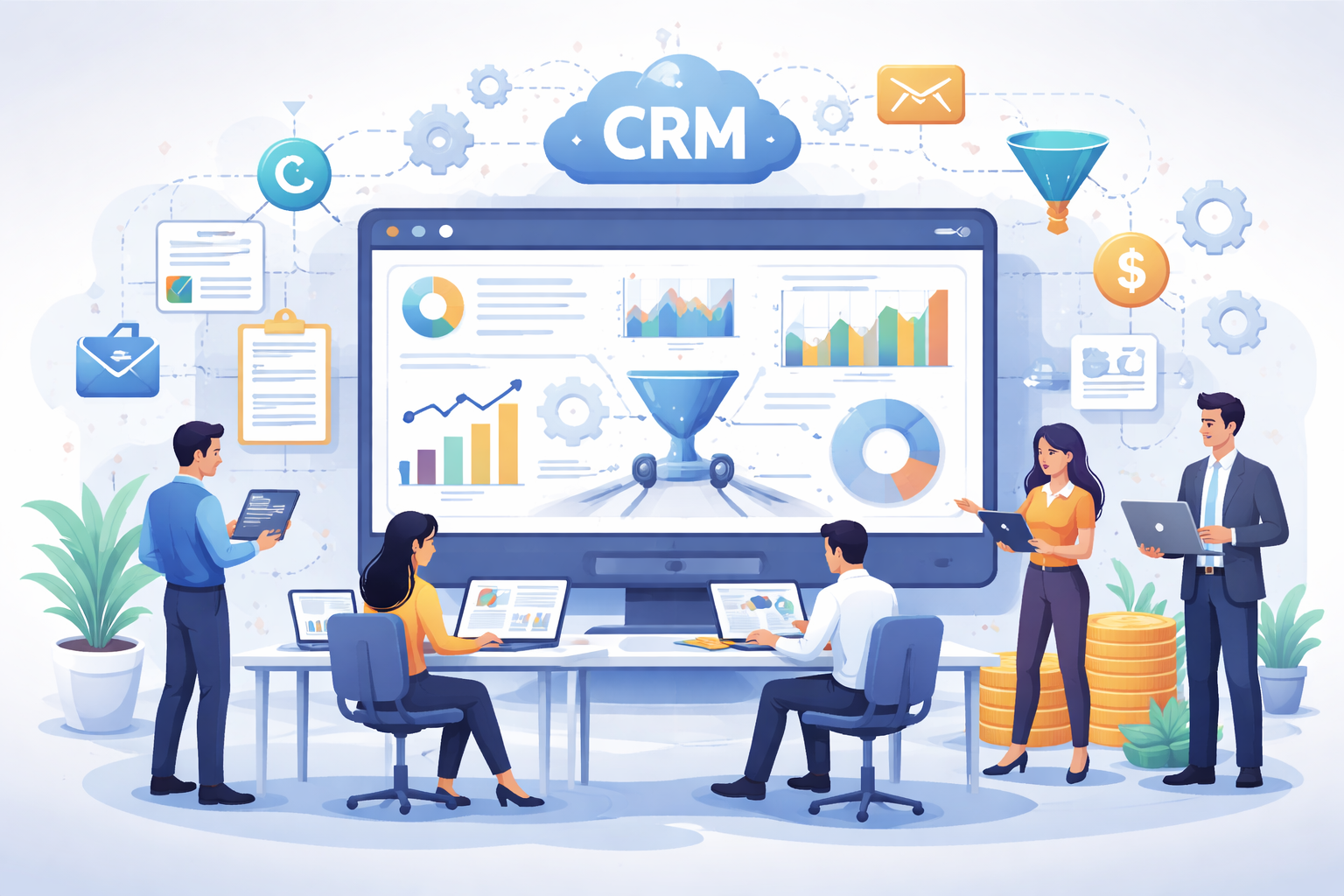
Operational bottlenecks are a major roadblock for businesses aiming to scale efficiently and maintain consistent revenue streams. These bottlenecks often arise when manual tasks and outdated processes slow down workflows, leading to inefficiencies, reduced productivity, and frustration among team members. In today’s fast-paced business environment, businesses are turning to automation to eliminate these bottlenecks, especially within their customer relationship management (CRM) systems. CRM automation not only streamlines sales and marketing processes but also ensures smoother communication, better data flow, and faster decision-making. One notable implementation in this space is Salesforce Spiff implementation, which helps automate the commission process, removing unnecessary delays and errors.
Table Of Content
This article will explore how CRM automation, particularly through Salesforce and similar tools, can address operational bottlenecks and boost team efficiency. We’ll delve into the specific processes that can be automated, the benefits of doing so, and how to implement a CRM solution that’s tailored to your organization’s needs.
What Are Operational Bottlenecks?
Before diving into CRM automation, it’s crucial to understand what operational bottlenecks are and how they impact your business. An operational bottleneck occurs when a particular process or task becomes a limiting factor in the overall workflow. It slows down production or service delivery, causing delays and inefficiencies. Bottlenecks often happen when employees or systems are overwhelmed with tasks, leading to backlogs, missed deadlines, or mistakes.
Common examples of operational bottlenecks include:
- Slow manual data entry
- Lack of integration between departments
- Over-complicated approval workflows
- Sales teams waiting for approvals to move forward
- Marketing teams unable to track real-time data
The consequences of operational bottlenecks are far-reaching. For example, delays in sales approval processes or inaccurate data reporting can prevent teams from meeting their targets or responding to customer needs in a timely manner. Over time, these inefficiencies accumulate, affecting the company’s bottom line and customer satisfaction.
CRM Automation: The Solution to Operational Bottlenecks
CRM automation solves many of these bottlenecks by streamlining and automating repetitive tasks. With CRM tools like Salesforce, businesses can integrate and automate processes that would otherwise require significant manual effort. This not only speeds up operations but also reduces the likelihood of errors and miscommunications.
Here are some areas where CRM automation can eliminate bottlenecks:
- Lead Scoring and Qualification
Sales teams often struggle to keep up with incoming leads. Manual processes for qualifying leads can be slow and inaccurate. By automating lead scoring through CRM systems, businesses can instantly prioritize leads based on predefined criteria. This automation ensures that sales teams focus on high-potential leads rather than wasting time on unqualified prospects. - Sales Process Automation
Sales teams typically manage numerous tasks, from prospecting and nurturing to closing deals. Automation can streamline these tasks by triggering follow-up emails, scheduling meetings, and sending reminders for important actions. CRM tools can also automate sales forecasting and pipeline management, giving teams real-time insights into performance and sales projections. - Customer Data Management
Manual data entry is not only time-consuming but also prone to errors. CRM automation helps by automatically collecting, updating, and organizing customer data in one centralized system. This ensures that sales and marketing teams have access to accurate and up-to-date information, which is crucial for customer relationship management and personalization. - Task Assignment and Workflow Management
Assigning tasks and tracking workflows can be an administrative burden if done manually. CRM tools automate task assignment by assigning leads, follow-ups, and other activities based on set rules. Additionally, CRM workflow automation ensures that processes like approval requests or document reviews flow smoothly, avoiding unnecessary delays. - Performance Monitoring and Reporting
Generating reports and analyzing performance can take hours if done manually. CRM automation enables businesses to generate real-time reports that track key performance indicators (KPIs), providing valuable insights into sales, marketing, and customer success. This automated reporting helps managers make quicker decisions and adjust strategies as needed.
How Salesforce Spiff Implementation Streamlines Commission Processes
One specific use case of CRM automation is Salesforce Spiff implementation. Spiff refers to an incentive program designed to motivate sales teams by offering commissions or bonuses based on specific performance metrics. Implementing Spiff in Salesforce helps automate commission calculations and ensures that sales reps are paid accurately and on time. This eliminates the errors and delays that often come with manual calculations and ensures transparency in commission payouts.
Salesforce Spiff implementation automates the entire process, from tracking sales performance to calculating commission payouts. The integration of Spiff within Salesforce helps reduce the administrative workload for sales operations teams. Instead of manually reviewing deals, calculating commissions, and processing payments, the system does it all in real time. By using predefined rules and workflows, Salesforce automatically updates commission data as sales are made, ensuring that payments are timely and accurate. This improves the overall sales experience, reduces errors, and boosts morale within the sales team, allowing them to focus on what they do best—selling.
Benefits of CRM Automation in Eliminating Operational Bottlenecks
The benefits of CRM automation in eliminating operational bottlenecks are manifold. Here are some key advantages:
- Increased Efficiency
Automating routine tasks like lead management, data entry, and follow-ups frees up time for employees to focus on high-value activities. This significantly improves operational efficiency and productivity across departments. - Improved Data Accuracy
Automated CRM systems reduce the risk of human error in data entry and reporting. By relying on a central system for data management, businesses can ensure that all teams are working with the same, accurate information. This minimizes the chances of miscommunication and decision-making based on incorrect data. - Faster Decision-Making
Automation enables real-time reporting and analytics, giving managers and executives the insights they need to make quick, data-driven decisions. With CRM tools like Salesforce, businesses can track sales performance, customer behavior, and other metrics in real time, ensuring that teams can pivot quickly when needed. - Better Customer Experience
Automated processes help businesses respond to customer inquiries and needs faster. Whether it’s following up on a lead, answering customer queries, or processing an order, CRM automation ensures that customers receive timely and personalized service, improving their overall experience with the brand. - Cost Savings
By reducing manual labor, CRM automation helps businesses save on operational costs. Automation reduces the need for administrative staff, minimizes errors that could lead to costly mistakes, and allows employees to focus on activities that generate revenue.
How to Implement CRM Automation
Implementing CRM automation is not a one-size-fits-all solution. Each business has unique processes, goals, and challenges, so it’s important to tailor your CRM automation strategy to your specific needs. Here are some steps to follow:
- Identify Bottlenecks
Before implementing CRM automation, assess your current processes to identify operational bottlenecks. Look for tasks that are time-consuming, repetitive, or error-prone. This could include lead qualification, data entry, report generation, or commission calculations. - Select the Right CRM Tool
Choose a CRM tool that aligns with your business needs. Salesforce, HubSpot, and Zoho CRM are popular choices that offer a range of automation features. Ensure that the CRM tool you select integrates well with your other systems, such as your marketing automation platform or financial software. - Set Automation Rules
Once you’ve selected a CRM tool, set up automation rules based on your business processes. This could include automating lead assignment, setting up sales workflows, or defining commission structures like Salesforce Spiff implementation. - Train Your Team
CRM automation is only effective if your team knows how to use it. Provide comprehensive training to ensure that your employees are comfortable with the new system and can fully leverage its capabilities. - Monitor and Optimize
After implementing CRM automation, regularly monitor the system to ensure it’s working as expected. Gather feedback from your team and look for areas where the automation could be improved or further optimized.
Conclusion
CRM automation is a powerful tool for eliminating operational bottlenecks and improving efficiency across teams. By automating repetitive tasks, managing data more effectively, and providing real-time insights, businesses can streamline their workflows and scale operations with ease. Whether you’re looking to automate lead management, sales forecasting, or commission payouts through Salesforce Spiff implementation, CRM tools like Salesforce can help your organization achieve its goals. With the right CRM system in place, you can eliminate bottlenecks, improve collaboration, and ultimately drive better business outcomes







No Comment! Be the first one.