


The Difference Between Standard 8mm and Super 8, and Why It Matters When Converting Film to Digital
Standard 8mm and Super 8 look almost identical at first glance, but they are not the same format. Sprocket hole size, image area, and sound capability all differ between them. When converting 8mm...

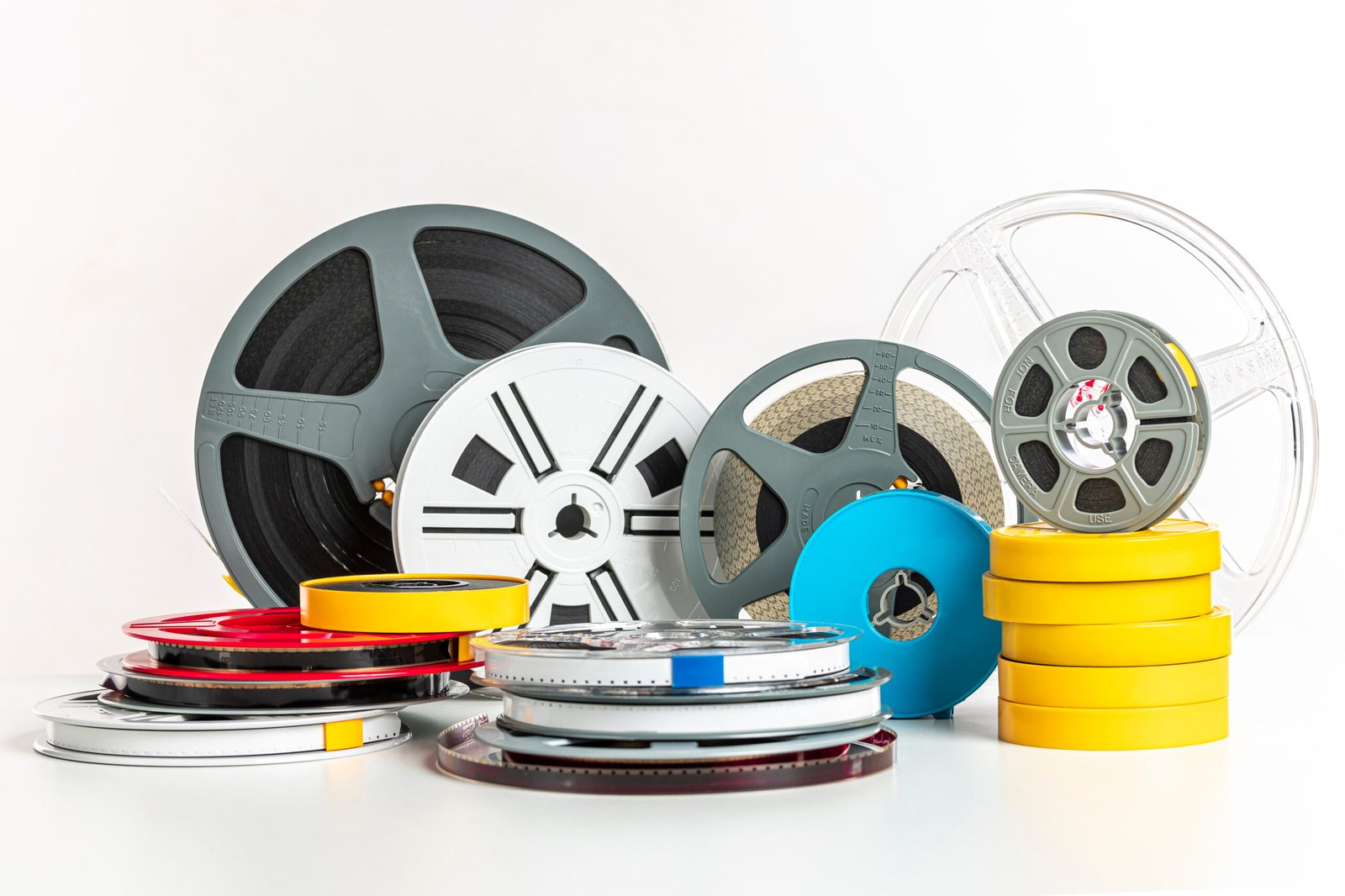
Standard 8mm and Super 8 look almost identical at first glance, but they are not the same format. Sprocket hole size, image area, and sound capability all differ between them. When converting 8mm film to digital, knowing which format your reels are makes a real difference in the final result.
Table Of Content
A Brief History of Home Movie Film
Standard 8mm film, sometimes called Regular 8 or Double 8, was introduced by Kodak in 1932 and dominated home movies through the mid-1960s. Families captured birthdays, weddings, and holidays on their reels using projectors that are now hard to find.
Kodak replaced it with Super 8 in 1965. The new format used the same film width but with smaller sprocket holes, leaving more room for a larger image area and a sharper picture. Super 8 ruled home movies from the late 1960s through the early 1980s, when VHS and Betamax videotapes pushed film aside for consumer use.
Visual Differences You Can See
If you hold a reel up to the light, you can spot the format by looking at the sprocket holes:
- Standard 8mm has larger, more widely spaced sprocket holes
- Super 8 has smaller, more tightly spaced sprocket holes
- Standard 8mm has a smaller image area within the frame
- Super 8 has a noticeably larger image area within the frame
Why the Difference Matters for Digitization
When you transfer 8mm to digital, the larger image area of Super 8 captures more detail at any scanning resolution. A frame of Super 8 has roughly 50 percent more image area than a frame of Standard 8mm. This means Super 8 scans show finer textures, sharper edges, and richer color detail than Standard 8mm scans from the same scanner.
It does not mean Standard 8mm scans look bad. They simply have less detail to work with from the start. A professional scanner extracts every bit of available image data from both formats, but Super 8 has more data to extract.
Sound vs. Silent Reels
Another difference worth knowing: some Super 8 reels included a magnetic sound stripe along the edge of the film. These reels recorded audio along with the picture, and a proper scanning service can capture the sound during digitization.
Standard 8mm film never had sound. If your Standard 8mm reels seem to have audio when projected, it would have come from a separate source like a phonograph or tape recorder, not from the film itself.
When converting 8mm film to digital, ask whether your Super 8 reels have a magnetic stripe. Not all Super 8 reels do. Sound transfer is a separate service with its own cost.
Equipment Differences
Both formats can be scanned on the same professional equipment, but the scanner must be configured correctly for each format. The film gate (the part of the scanner that holds the film flat during capture) is different for Standard 8mm and Super 8. A scanner switching between the two requires a brief setup change.
This matters when you send in a mixed box of reels. A professional service will identify each reel, configure the scanner correctly, and process each format with the right settings. A consumer-grade transfer service or a DIY setup may not handle the switch correctly, resulting in poorly framed scans or lost image area.
Reel Sizes
Both formats came on a range of reel sizes. The most common sizes are:
- 3-inch reels: about 50 feet of film, roughly 3 minutes of footage
- 5-inch reels: about 200 feet of film, roughly 12 minutes of footage
- 7-inch reels: about 400 feet of film, roughly 24 minutes of footage
When estimating the cost of digitization, services typically charge by reel size or by the foot. A box of mostly 3-inch reels is much cheaper to digitize than the same number of 7-inch reels.
Choosing a Scanning Resolution
Professional film scanners can capture at multiple resolutions, often ranging from HD up to 5K. The right resolution depends on the format:
- Standard 8mm: HD or 2K is usually sufficient given the smaller image area
- Super 8: 2K or 4K captures the format’s additional detail well
- Archival projects: 4K or 5K provides maximum preservation quality
Why Professional Scanning Matters for Both Formats
Whether you are working with Standard 8mm or Super 8, a professional transfer 8mm to digital service uses scanners that capture each frame individually rather than recording the film as it plays through a projector. This eliminates the flicker, blur, and color distortion of older transfer methods. For irreplaceable family footage, the difference between professional frame-by-frame scanning and a low-cost projection transfer is significant and visible.







No Comment! Be the first one.