




Retesting Testing: Why Verifying Bug Fixes Matters in Modern QA
In software development, finding defects is only one part of the quality assurance process. The real goal is to ensure that issues are fixed correctly and do not continue affecting users. This is...

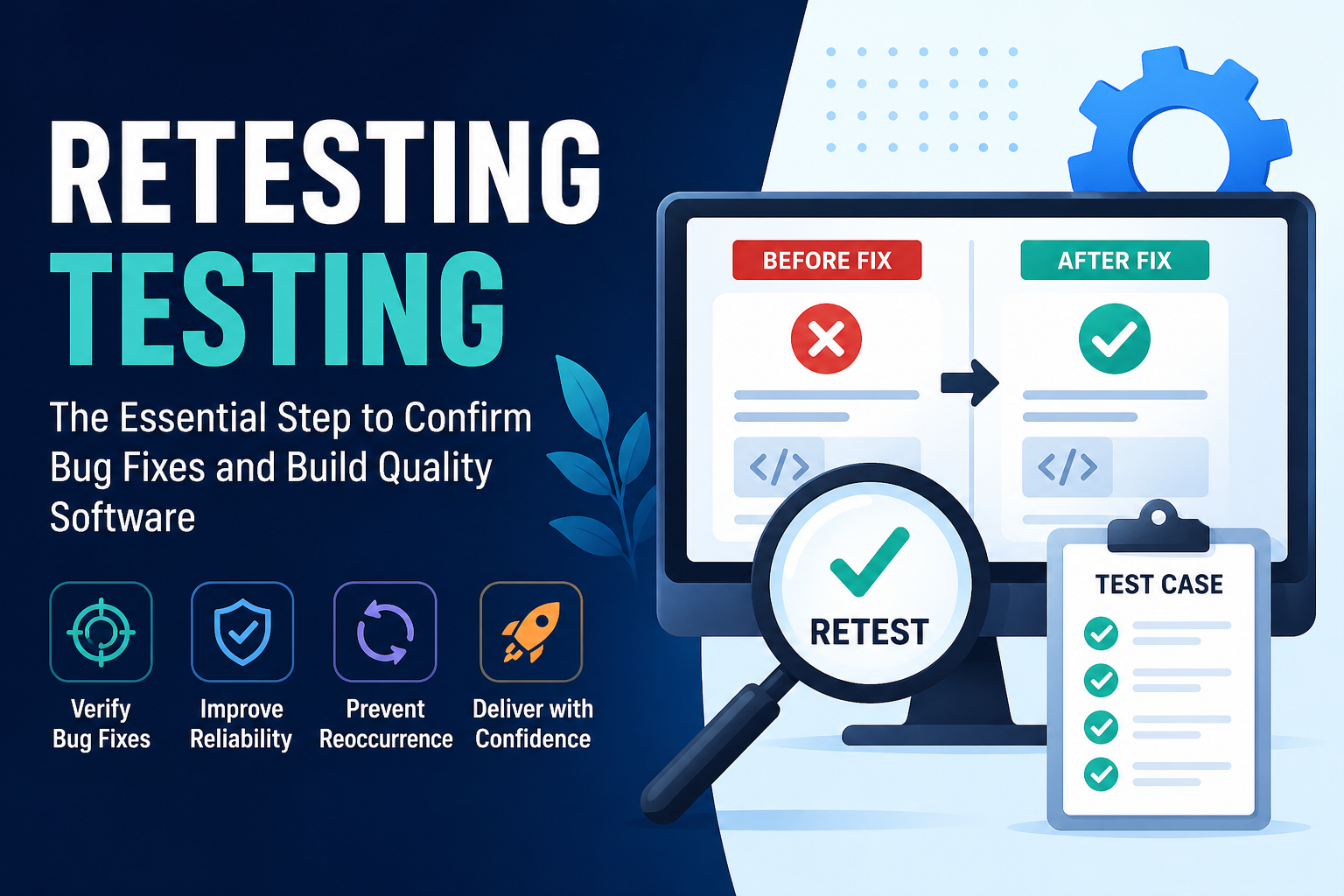
In software development, finding defects is only one part of the quality assurance process. The real goal is to ensure that issues are fixed correctly and do not continue affecting users. This is where retesting testing plays a critical role. While the phrase may sound repetitive, many users search for it when looking for information about retesting in software testing environments.
Top Content
- Why Retesting Testing Is Important
- Retesting Testing Process
- 1. Identify Fixed Defects
- 2. Prepare Original Test Case
- 3. Execute the Same Scenario Again
- 4. Validate Expected Results
- 5. Update Status
- Real-World Examples of Retesting
- Ecommerce Platforms
- Banking Apps
- SaaS Products
- Mobile Apps
- Retesting vs Regression Testing
- Best Practices for Retesting Testing
- Use Exact Reproduction Steps
- Retest on Relevant Devices and Browsers
- Test Edge Cases Too
- Keep Evidence
- Prioritize High-Impact Bugs
- Automate Repetitive Retests
- How Automation Improves Retesting
- Common Retesting Challenges
- Environment Differences
- Incomplete Bug Notes
- Hidden Side Effects
- Time Pressure
- Metrics That Matter
- Why Retesting Testing Matters in Agile Teams
- Final Thoughts
Retesting is the process of executing previously failed test cases again after developers have fixed the reported defect. Its purpose is simple: confirm that the bug no longer exists and that the expected functionality now works properly. Without retesting, teams may assume a problem is solved even when the issue still remains in production.
Imagine a user cannot reset their password because the reset email never arrives. The bug is reported, developers update the email service configuration, and the fix is deployed. At this stage, quality assurance teams perform retesting by repeating the same steps that originally caused the failure. If the password reset email now arrives successfully, the defect can be marked as resolved.
Retesting testing is different from regression testing, though many teams confuse the two. Retesting focuses specifically on verifying the exact bug fix. Regression testing checks whether recent code changes created new problems elsewhere in the application. Both are valuable, but retesting gives direct confirmation that the original issue has been addressed.
Why Retesting Testing Is Important
Every software bug has a business cost. Bugs can reduce revenue, frustrate users, damage reputation, and increase support tickets. Retesting helps minimize these risks by validating fixes before release.
Key benefits include:
- Confirms reported defects are actually resolved
- Prevents reopening of unresolved tickets later
- Builds trust between QA and development teams
- Protects user experience after updates
- Reduces production incidents caused by incomplete fixes
- Improves release confidence for stakeholders
When teams skip retesting, defects may return or remain partially fixed, leading to avoidable customer frustration.
Retesting Testing Process
A structured retesting process usually follows these steps:
1. Identify Fixed Defects
The development team marks a bug as fixed in the tracking system.
2. Prepare Original Test Case
QA reviews the exact steps, data, browser, device, or environment where the bug first appeared.
3. Execute the Same Scenario Again
The failed workflow is tested again under similar conditions.
4. Validate Expected Results
If the issue no longer appears and behavior matches expectations, the fix passes.
5. Update Status
The defect is marked as closed, reopened, or sent back for more work.
This process sounds simple, but discipline is what makes retesting effective.
Real-World Examples of Retesting
Retesting testing applies across nearly every product type.
Ecommerce Platforms
A checkout page previously failed when users applied coupon codes. After the bug fix, QA retests by applying valid and invalid coupons during checkout.
Banking Apps
A transfer confirmation screen displayed wrong balances. Retesting ensures the correct updated balance now appears after transactions.
SaaS Products
A report export button generated corrupted files. Retesting verifies downloads now work across supported formats.
Mobile Apps
Push notifications were delayed on Android devices. Retesting confirms notifications now arrive correctly after deployment.
Retesting vs Regression Testing
Many teams use these terms interchangeably, but they solve different problems.
| Retesting Testing | Regression Testing |
|---|---|
| Verifies a specific bug fix | Checks unaffected features after changes |
| Based on failed test cases | Based on broad reusable test suites |
| Narrow scope | Wider scope |
| Confirms issue is resolved | Confirms nothing else broke |
Strong QA teams use both together for maximum confidence.
Best Practices for Retesting Testing
Use Exact Reproduction Steps
Always reuse the original steps, environment, and data whenever possible. This confirms the actual issue was fixed.
Retest on Relevant Devices and Browsers
If the bug appeared only in one browser or mobile OS version, validate there first.
Test Edge Cases Too
A bug may be fixed for one scenario but fail in similar cases. Expand checks carefully.
Keep Evidence
Screenshots, logs, videos, or API responses help prove fixes passed.
Prioritize High-Impact Bugs
Payment issues, login failures, and data loss defects should be retested immediately.
Automate Repetitive Retests
Repeated defects or critical flows can be automated for future releases.
How Automation Improves Retesting
Manual retesting works well for smaller teams, but scaling becomes difficult. Automation helps by rerunning important scenarios quickly after each code change.
For API-driven products, platforms like Keploy help teams automate validations by using real traffic to generate dependable test cases. This can significantly reduce time spent manually repeating common retests while improving release confidence.
Automation is especially useful for:
- Login flows
- Checkout flows
- Core API endpoints
- Report generation
- Notifications
- Permission workflows
Common Retesting Challenges
Environment Differences
A bug fixed in staging may still fail in production-like conditions.
Incomplete Bug Notes
Poor reproduction steps make it hard to verify the original issue.
Hidden Side Effects
A fix may solve one problem while creating another.
Time Pressure
Fast release cycles sometimes push teams to skip retesting. This often becomes expensive later.
Metrics That Matter
Teams can track retesting effectiveness using:
- Reopened defect rate
- Average bug verification time
- Pass rate of fixed issues
- Critical bug escape rate
- Time from fix to closure
These metrics reveal whether engineering quality is improving.
Why Retesting Testing Matters in Agile Teams
Modern teams deploy frequently. New builds may go live daily or even multiple times per day. In this environment, unresolved defects move quickly from internal issue to customer-facing incident.
Retesting creates a quality checkpoint between “developer says fixed” and “actually fixed.” That distinction is crucial for modern delivery speed.
Final Thoughts
Bug detection is valuable, but bug verification is essential. That is the real purpose of retesting testing. It ensures fixes truly work, protects customer experience, and gives teams confidence to release faster.
Organizations that treat retesting seriously reduce reopen rates, strengthen collaboration, and deliver more stable products. In modern software development, every fix should be trusted—and retesting is how that trust is earned.